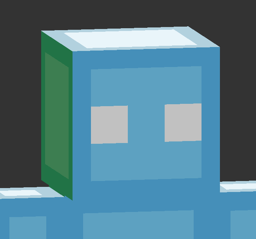
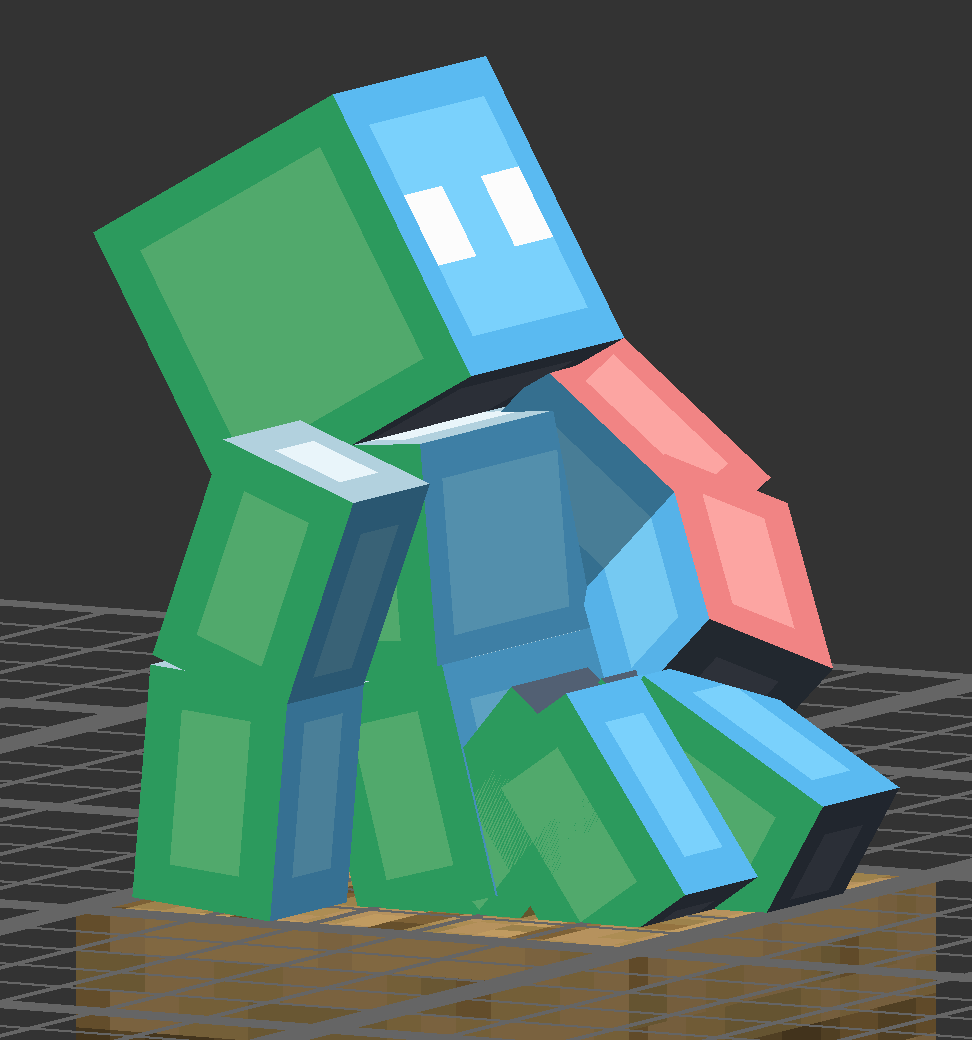
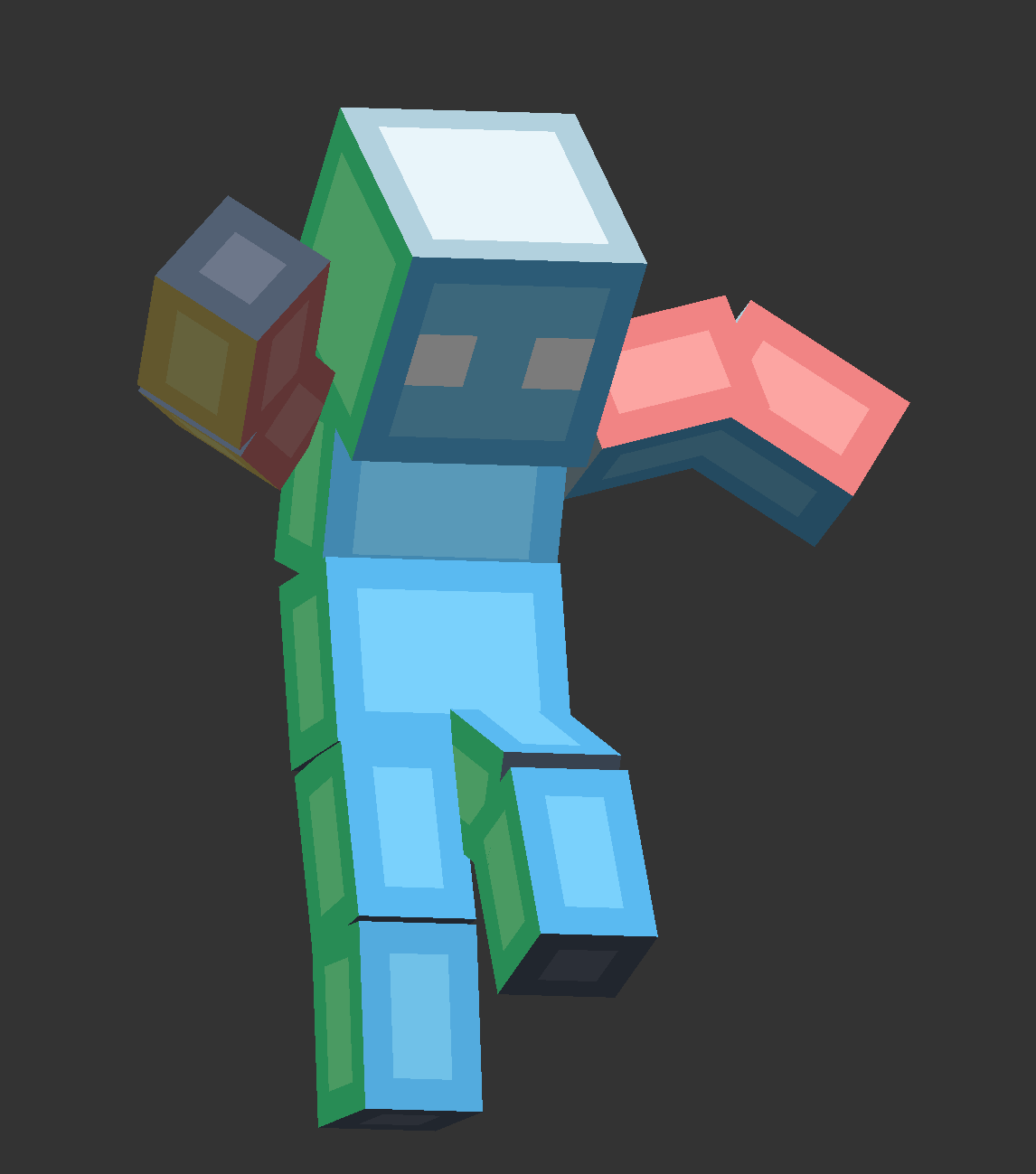
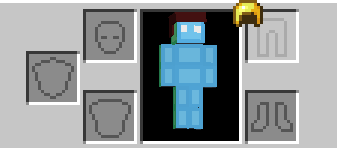
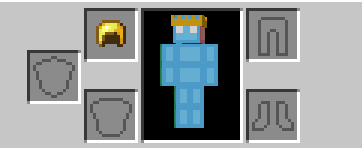
This model is a template for people who want an easier time to animate but don't want to use extra time setting up a model.
If you have any questions, you can ping me in the CPM discord. (Tag: dracoz7)
Model contains
- No Animations (except for head pitch and yaw) - Texture layout (no custom textures) - Full Clothing and Accessory support - Custom armour Support (No in-game armour, unless you find a way to code that in) - Example accessory and helmet (can be easily deleted) - Easy ability to animate - The essence of the minecraft look Hierarchy
On this setup, a default clothing attire will show, while armour overwrites it. See underneath on common attire to see how to change that
Item Wear Overwrite 1 [H] (Will Overwrite "Common Wear") Item 1 [H] Base of item Details Details Details Item 2 [H] Overwrite 2 [H] Has a higher priority. Can overwrite "Overwrite 1" items Item 3 [H] - Can overwrite item 1 and 2 Overlap [H] (Same as "normals", but may be used alongside both armour and normals) Item 4 [H] Item 5 [H] Common Wear Normals Item 6 [H] Item 7 [H] Armour [H] Armour Type 1 [H] Armour Type 2 [H]
Hierarchy Rules and Setup
Per Item Each item should always have a root part. (0x0x0 size so its not visible) always have their root set on hidden by default, and the actual parts of the worn stuff be under the root part.
An animation will be required to toggle them on, with the exception of your shown by default attire. (if you have one)
Overwrite This fits for something such as large cloaks or magical effects that may cover armour or anything underneath to the point it looks better if what is underneath is hidden.
When setting up an animation state for such a thing, set "Common Wear" to hidden, and your wanted attire to visible.
Overlap It really doesn't matter where these actually is placed, it works just as normals. they are only placed here to be easily found back.
These fits for masks, accessorises, and so on.
To use overlaps in animations, simply hide a part in the item that you don't want to be shown.
If it's vice versa, You want a part of the accesroy to be hidden over other clothing parts; go to the animation toggle to that clothing part, and hide the part on the overlap you don't want to be shown.
Common Wear This is for any general clothing really Put your clothing onto your character, and animate it as needed.
To have normals overwrite armour, switch the "hidden by default" from armour to normals. (And to avoid armour to show without actual armour being put on, then hide all the armour roots in the toggle animation)
Armour This setup does not support armour variants (Iron, diamond, etc), only that you wear them. Unless you find a way to distinguish them.
Armour hidden and it's messing with hidden parts in overlap or extensions of your body? I can only recommend to make a duplicate of it, and put CP onto the original part to keep consistency. Put it on hidden by default, and on visible in the animation that hides that part
Depending on whether the armour root is hidden by default or not, every armour item should be hidden by default. Only the "wearing armour on head/chest/legs/feet" animations should toggle those to be visible.
Basic Toggle animations are given in the model: Helmet: Head Chestplate: Chest, Shoulders, Arms Leggings: Waist, Legs Boots: Calfs
If you have multiple armour sets, simply use a toggle animations to switch between different sets